
FileMaker Pro 13 – Stylin’ Part 2 – The Scarpetta Group, Inc.

DIG A LITTLE DEEPER into FileMaker 13 themes with James Scarpetta (Part 1 here). In this demo file click on one of the Text styles, make some adjustments like text color and then save the new style by clicking on the Styles Tab in the Inspector and the Icon that is now red next to […]
Like
0
Liked
Liked



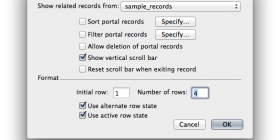








Digital Fusion – A Portal Grey Area - FileMakerProGurus: […] to get rid of the grey/black color that appears when you run your mouse over a portal row using…